
Free and Pro · Scroll effects
Scroll effects
While the page scrolls, images bend, bulge or split their colours with the scroll speed, and any element can lean. Skew comes with the free plugin; the WebGL effects are in AnimateGL Pro. Stop scrolling and everything settles back. Scroll this page quickly, then slowly. They’re off for visitors who prefer reduced motion.
Pro WebGL · images
Bend
The image bends like a sheet of paper in the direction the page moves, more the faster it scrolls.
agl-scroll-bend

agl-fadeUp agl-scroll-bend
agl-zoomIn agl-scroll-bendPro WebGL · images
Wave
The image bulges out like a lens with the scroll speed, the same way up and down.
agl-scroll-wave
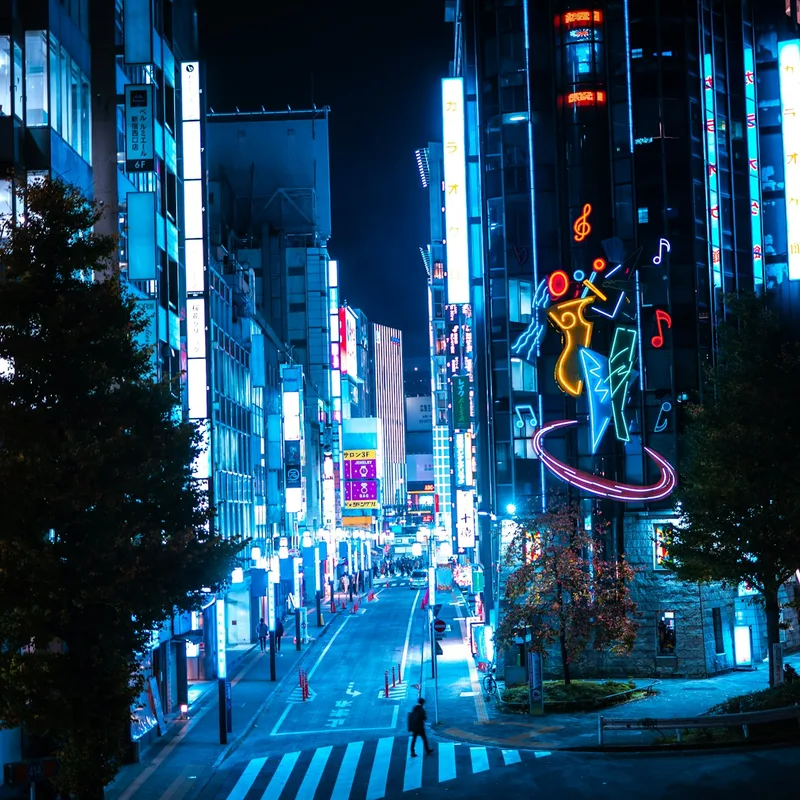
agl-fadeUp agl-scroll-wave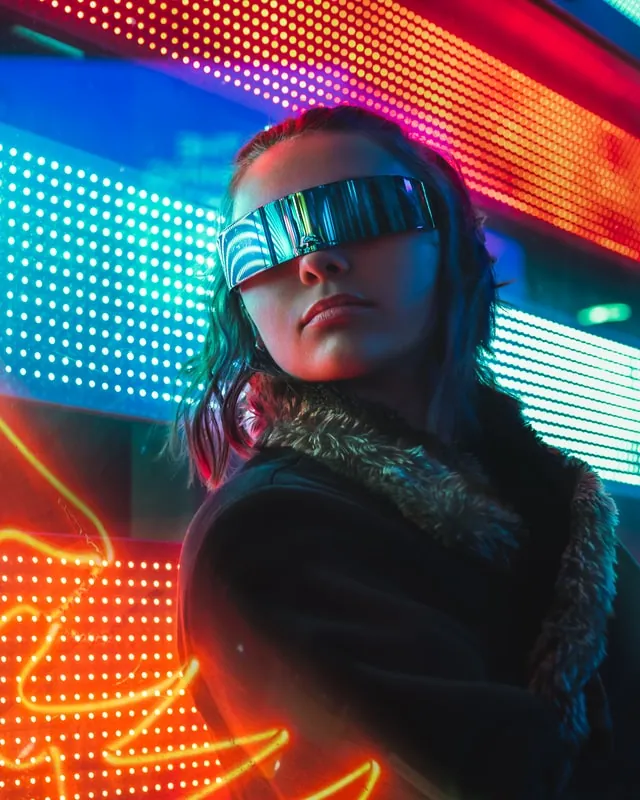
agl-flipUp agl-scroll-wavePro WebGL · images
RGB split
The image’s red, green and blue drift apart along the scroll, like a fast camera pan.
agl-scroll-rgb
agl-fadeUp agl-scroll-rgbagl-slideUp agl-scroll-rgbPro WebGL · images
Glitch
Bands of the image jump sideways and its colours split, more the faster the page scrolls. Pair it with the free glitch entrance.
agl-scroll-glitch
agl-glitch agl-scroll-glitchagl-fadeUp agl-scroll-glitchFree · CSS · any element
Skew
Text, buttons, cards or whole groups lean with the scroll speed once their entrance has played. No WebGL needed.
Skew leans any element
with the scroll speed
agl-scroll-skew
Cards
Any block can lean.
agl-scroll-skew
With a hover
Lean while scrolling, lift under the mouse.
agl-scroll-skew agl-hover-lift
Settles back
Stop scrolling and it eases straight again.
agl-scroll-skew
The WebGL scroll effects work on images with a WebGL entrance animation. Skew works on any block.
Get AnimateGL Pro
The WebGL hover and scroll effects, stagger, text split, triggers and the Shapes and Fade packs, from $49 a year.