
WordPress animation plugin
Animate any WordPress block
AnimateGL adds WebGL and CSS animations to the editor you already use. Select a block, pick an entrance, hover or scroll effect from the panel, and publish. No code.
Free on wordpress.org · Pro from $49/year · 7-day free trial
Block editor: every block has an AnimateGL panel in its sidebar, with a live preview.

Tokyo after dark
Street food, neon alleys and the last train home. A four night guide to the city.
- 5.0
- out of 5 stars on WordPress.org, from 22 ratings
- 2,000+
- sites run AnimateGL today
- 21 KB
- gzipped core script, no dependencies. WebGL loads only on pages that use it
- 0
- lines of code: everything is set in the editor
Free and Pro · Every block
Not just images. Every block can move.
One page, built with ordinary blocks, each with its own AnimateGL setting: the heading comes in as tiles, the text types itself, the numbers count up, the cards fold in and tilt under the mouse, and the footer band has a moving background. Scroll it, hover it, then press Replay.
Made for the city after dark
Eyewear and streetwear in small runs, designed under the neon of three cities. New drop every Friday at midnight.

- 12,400
- pieces shipped
- 98.6%
- arrive within 3 days
- 3
- cities, one studio each
Small runs
Nothing is restocked. Each piece is made in a run of 200 and numbered.
Free shipping
Every order ships free, anywhere in the country.
Easy returns
Thirty days to send anything back, from your account.
“The first pair of shades I have actually worn at night.”
Your first drop ships free
Join the listEvery label is the class AnimateGL puts on the block for that setting. In the block editor, Elementor, Bricks and Divi you pick the same things from a panel.
WebGL · Free and Pro
WebGL animations
Drawn with custom GLSL shaders: fades, flips and peels like paper, a glitch, and in Pro the tile entrances, which break the element into hundreds of pieces that fly, flip or burn into place. Images, headings and whole cards alike. Click a direction to try it, click a tile to replay.
CSS · Free
13 CSS animations for text, buttons and cards
Hardware accelerated opacity, transform, clip-path and blur, for text, buttons, cards and whole sections. Fade, Slide, Wipe, Zoom, Blur, Focus, Flip, Fold, Rotate, Roll, Skew and Pop, each in five directions. Click a direction to try it, or click a tile to replay.
Free · Text
Numbers that count, text that types
Two free settings for any block with text. Count-up keeps your separators and decimals; the typewriter keeps your links and formatting, and screen readers read the whole text. Both play on scrolling into view or with the block’s entrance.
Typed a character at a time behind a caret, links and all, and nothing moves while it types.
Gutenberg · Elementor · Bricks · Divi
Works in the editor you already use
AnimateGL adds its settings to your page builder. Select a block or element, pick an entrance animation, a hover or scroll effect, and publish. No code, and no new builder to learn.
Gutenberg blocks
Every block has an AnimateGL panel in its sidebar, with a live preview. Other plugins’ blocks and the blocks in your theme’s templates too.
Block editor guide →Elementor
Every section, container and widget has an AnimateGL section in its Advanced tab, and Elementor 4’s atomic elements have it in their panel.
Elementor guide →Bricks and Divi 5
Every Bricks element has an AnimateGL group in its Style tab, and every Divi 5 module one in its Advanced tab.
Bricks and Divi guides →Any theme or HTML
AnimateGL reads its settings from CSS classes, so agl agl-slideCSSUp animates any element in any theme, page builder or HTML block.
Performance
Animations that don’t slow your site
An animation plugin should cost nothing where it isn’t used and very little where it is. This is what AnimateGL loads and runs on your pages.
A small core
The script that plays CSS animations is 21 KB gzipped, with no dependencies and no jQuery.
Nothing on other pages
The script loads only on pages that have an animated block. Every other page gets under a kilobyte of CSS and a tiny inline script.
WebGL when it’s needed
The WebGL part loads only on a page with a WebGL effect, as the first one comes near the screen.
Nothing runs at rest
When an animation ends the render loop stops. A page that isn’t moving costs no CPU, GPU or battery.
Your images stay the browser’s
Lazy loading and responsive images work as before. An image is loaded when the browser would load it, once.
Reduced motion
Visitors who ask their device for less motion get the page without animations, and nothing is ever hidden from them.
Pro
Go further with AnimateGL Pro
Tile entrances and tile hovers, moving backgrounds and 23 more hover effects, shown below as they run with AnimateGL Pro on this page. Then scroll effects, loops, stagger, text split, triggers and more. See all of Pro or see prices
Pro Tiles
Images and text, in pieces
Five entrances break any block into square tiles that fly in, flip over, burn into place, spin down a funnel or arrive as a flock, lit as they turn. Three hover effects push, lift or scatter the tiles under the mouse, and a scroll effect takes an image apart as it leaves the screen. Tile size from 1 to 50 px, one draw call, nothing running at rest.
agl-assembleon a heading
agl-tileFlipagl-materialize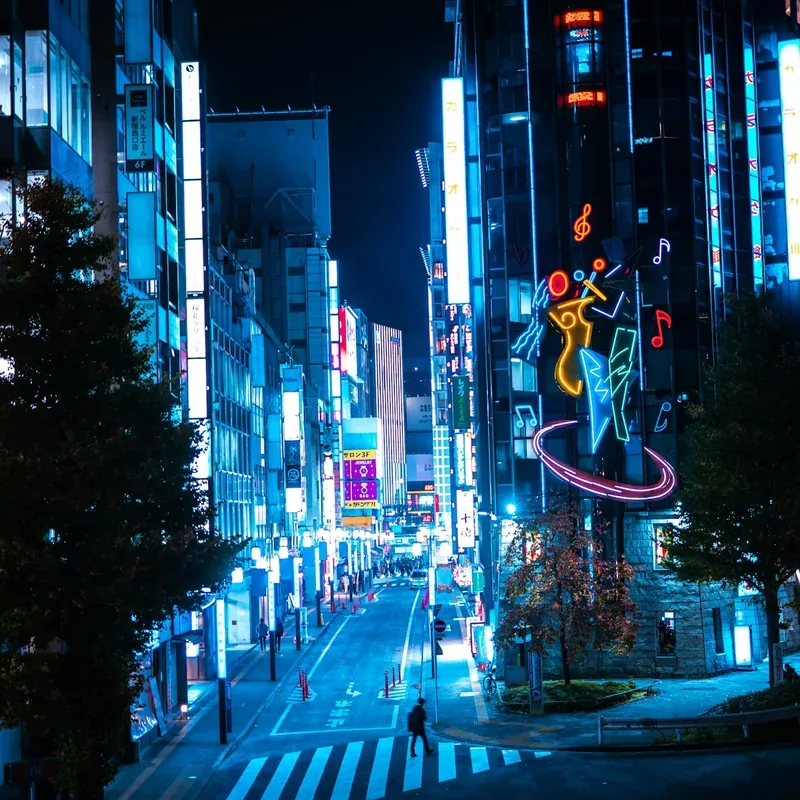
agl-vortexagl-murmurationTile hovers: shown as themselves, drawn as tiles only while the mouse is over them.
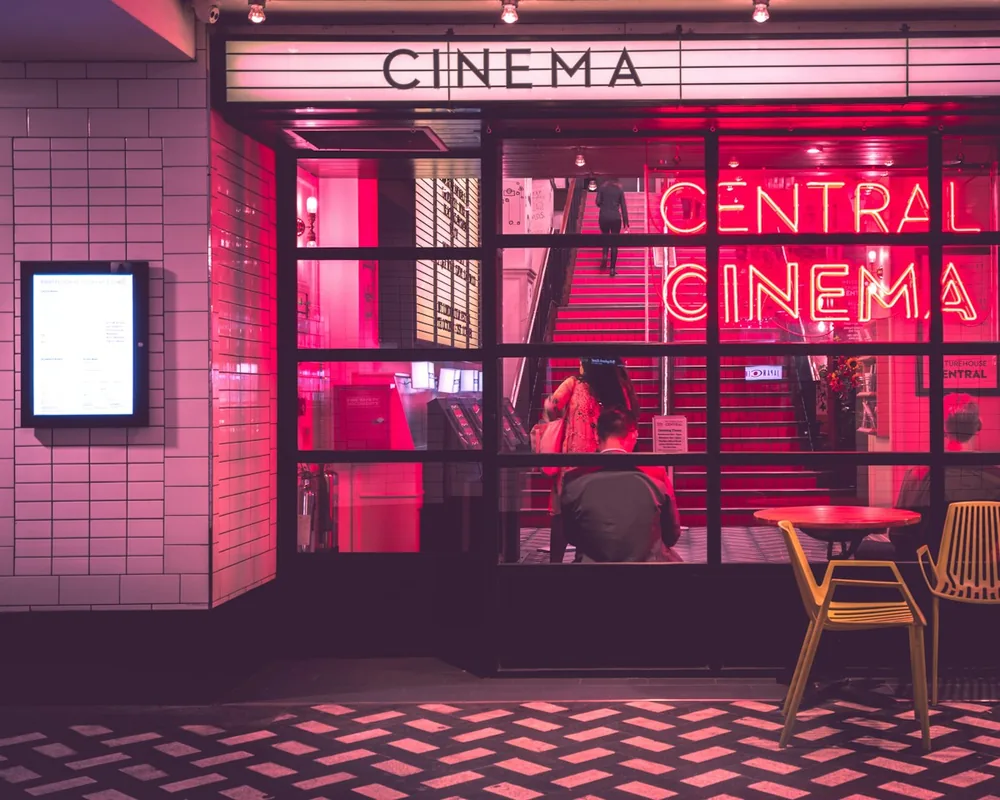
agl-hover-tilesPush agl-tile-4
agl-hover-tilesLift agl-tile-6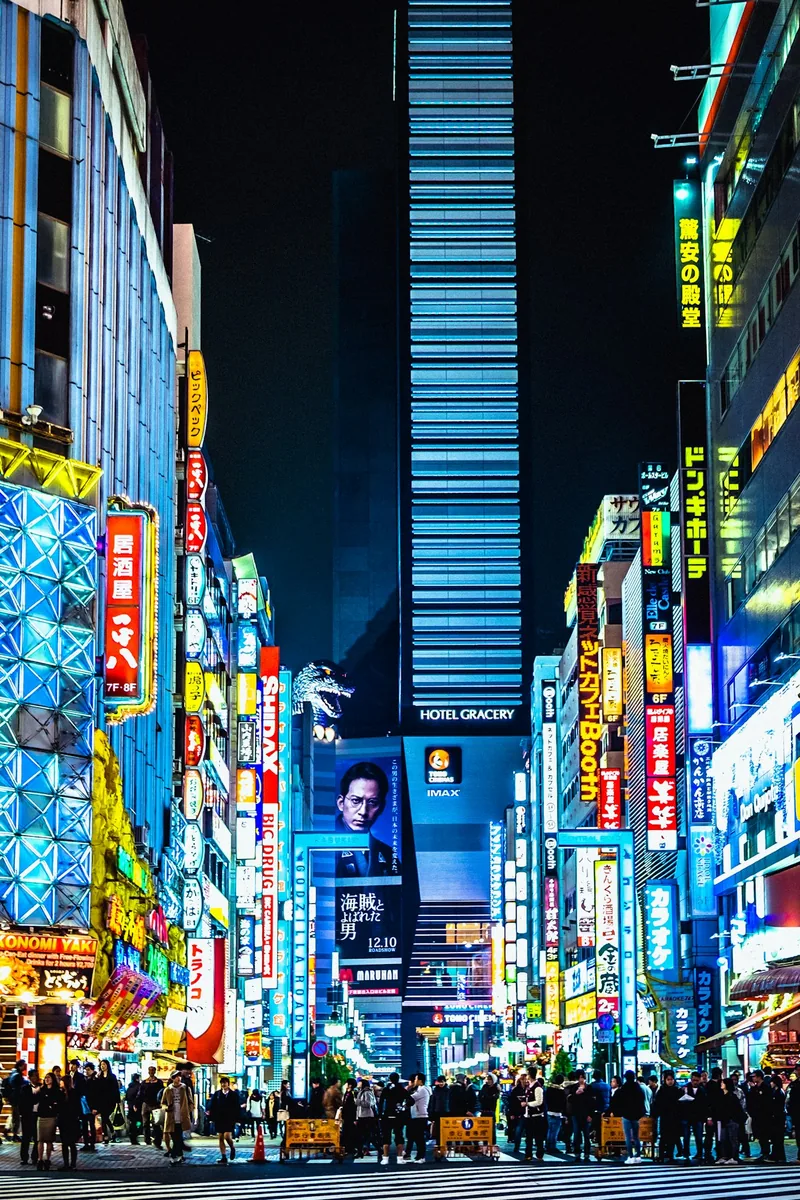
agl-hover-tilesScatter agl-tile-6Pro Scroll scatter
Scroll on, and it drifts apart
As an image leaves the top of the screen it comes apart into tiles that drift up and away. Scroll back and they settle. It follows the scroll position, not a timer, so it holds still wherever you stop. agl-scroll-scatter agl-tile-6

Pro Animated backgrounds
This section’s background is one
Six looks (Flow, Blobs, Waves, Aurora, Grain and Mesh) in your own three colours, behind Group and Cover blocks, Elementor containers or any element with the class. They draw only while on screen, and as one still frame for visitors who prefer reduced motion.
<section class="agl-bg-flow" style="
    --agl-bg-1: #ff00e5;
    --agl-bg-2: #4a2bff;
    --agl-bg-3: #040320;
">
Look
Colours
Pro Hover effects · 26
Follow the mouse
19 WebGL effects for images, with or without an entrance, and 7 CSS effects for anything else. Light is a lamp that follows the mouse over the image, and three tile hovers push, lift or scatter it. Move your mouse over the images, and pick any of the 19 below. On a phone each plays once as it scrolls into view. Off for reduced motion.
You’re on a touch screen. Press and hold an image, then slide your finger. On a site, hover effects play once on scrolling into view and follow a mouse only, unless “Follow a finger on touch screens” is on in Pro’s Settings tab. This site turns it on so you can try them here.

agl-hover-light New
agl-hover-liquidagl-hover-swap with a second imageagl-hover-tilesScatter NewWaves spread out from the mouse, stronger while it moves.
All 19 WebGL hover effects, on this image
CSS hover effects, for any block: three free, four Pro.
Tilt Free
Turns in 3D toward the mouse. Any block.
agl-hover-tilt
Grow Free
Scales up a little.
agl-hover-grow
Lift Free
Rises off the page.
agl-hover-lift
CSS reveals Pro
Grey, dark, blurred or split, and the mouse shows the block as it is. No WebGL, so it works on text too.
agl-hover-css-spotlight
Pro And more
Everything else in Pro
Each of these has its own live demo on the AnimateGL Pro page.
Scroll effects
Images bend, split their colours or glitch with the scroll speed, and any block moves, fades or tilts with its place on the screen.
Loop animations
A badge that pulses, an icon that floats, a button with a heartbeat. Only while on screen.
Stagger and text split
One setting plays a grid’s items one after another, or a heading by letters, words or masked lines.
Triggers and sequences
Play on a click, a hover, your own class, or when the block before has finished.
Shapes and Fade packs
31 more entrances: squares, circles and lines that open from any side, and fades through light and dark.
Your own animations
Design an animation in the Animation Editor, save it, and pick it from any block like a built-in one.
Per-device rules and play once
Turn an animation off on phones, or play it once per visit and show the block right away after that.
Site-wide rules
Animate every image, heading or CSS selector across the site from one settings page.
Free vs Pro
Start free, upgrade when you need more
Free
$0 forever
- 13 CSS and 9 WebGL entrance animations
- Direction, duration, delay, easing and springs
- Lift, Grow, Tilt and Skew hover and scroll effects
- Repeat and lock to scrollbar
- Gutenberg, Elementor, Bricks and Divi 5
Pro
$49 / year
- Everything in Free
- 23 more hover effects, WebGL and CSS
- WebGL scroll effects, animated backgrounds and loops
- Stagger, text split, triggers and sequences
- Shapes and Fade packs, your own animations, site-wide rules
- Updates and support for a year
The trial works for yearly and lifetime: you add a card at checkout, and nothing is charged if you cancel before the 7 days end. Prices in US dollars. Checkout, payment, invoices and VAT are handled by Freemius. Local development sites don’t count toward your sites.
| Feature | Free | Pro |
|---|---|---|
| 13 CSS and 9 WebGL entrance animations | ✓ | ✓ |
| Count-up numbers and typewriter text | ✓ | ✓ |
| Direction, duration, delay, distance, easing and springs | ✓ | ✓ |
| Repeat and lock to scrollbar | ✓ | ✓ |
| Lift, Grow, Tilt and Skew hover and scroll effects | ✓ | ✓ |
| Gutenberg, Elementor, Bricks and Divi 5 | ✓ | ✓ |
| Respects reduced motion | ✓ | ✓ |
| Tile entrances: Assemble, Tile flip, Materialize, Vortex, Murmuration | – | ✓ |
| Tile hovers and Scroll scatter | – | ✓ |
| Fade Mask: clouds, ink, brush, noise or your own image | – | ✓ |
| 23 more hover effects, WebGL and CSS, including Light | – | ✓ |
| WebGL scroll effects and scroll motion | – | ✓ |
| Animated section backgrounds, six looks | – | ✓ |
| Loop animations | – | ✓ |
| Stagger and text split | – | ✓ |
| Click, hover, load and class triggers, sequences | – | ✓ |
| Shapes and Fade packs (31 presets) | – | ✓ |
| Custom animation library | – | ✓ |
| Per-device rules and play once | – | ✓ |
| Site-wide rules | – | ✓ |
Free download
Rated 5 out of 5 on WordPress.org and running on more than 2,000 sites. Install it, pick a block, pick an animation.